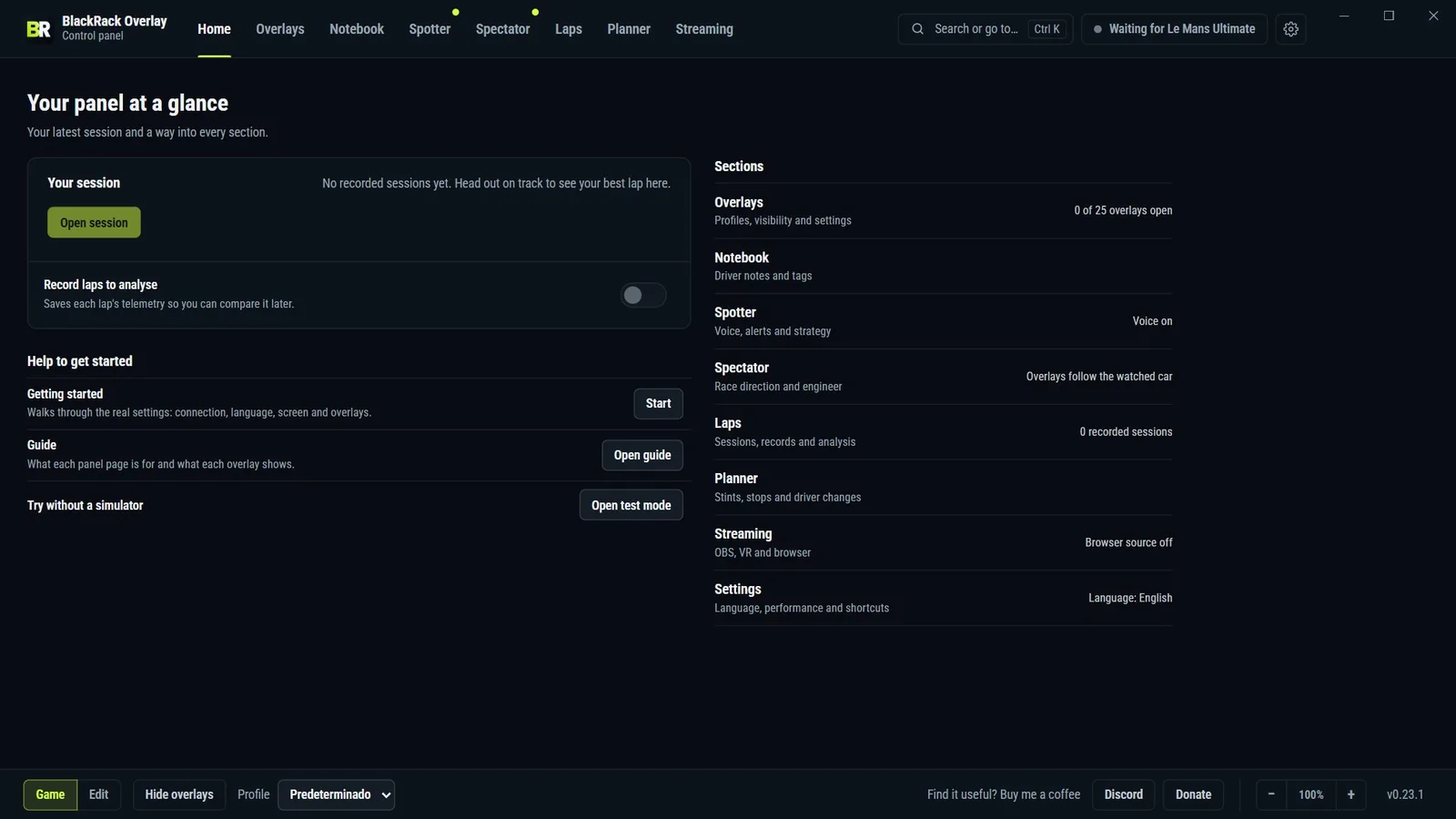
Your pit wall for Le Mans Ultimate
Overlays, spotter and radio engineer, free for Windows.
Windows x64 installer, version 0.23.1.
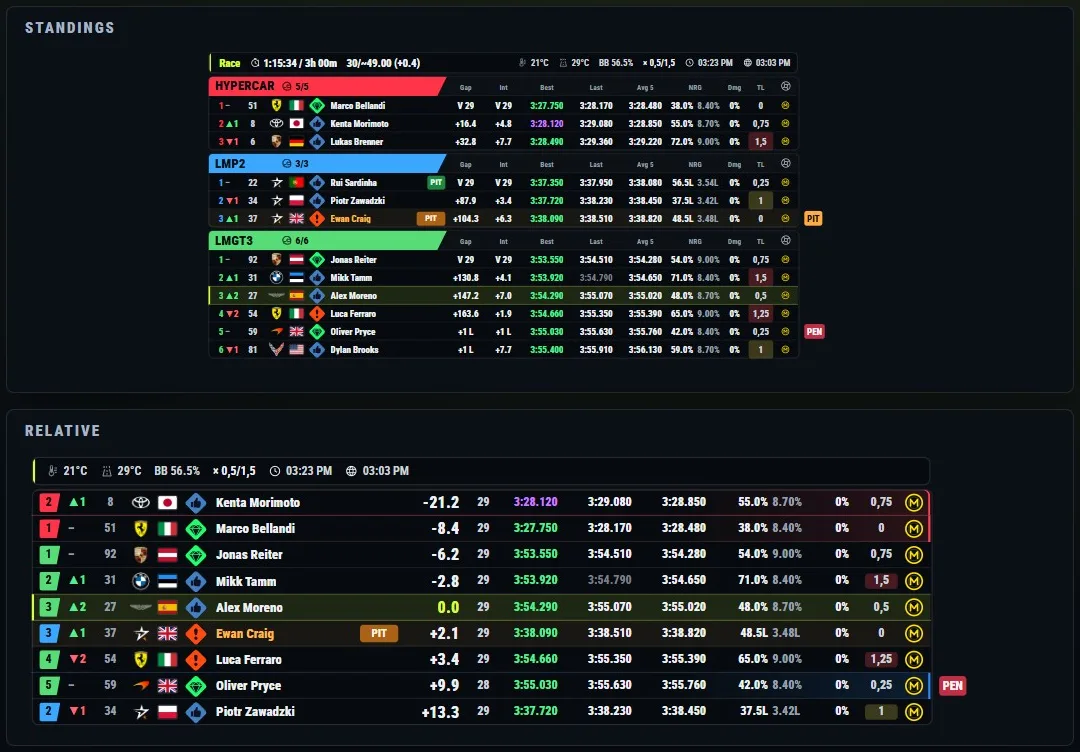
25 overlays. Turn on only the ones you use.
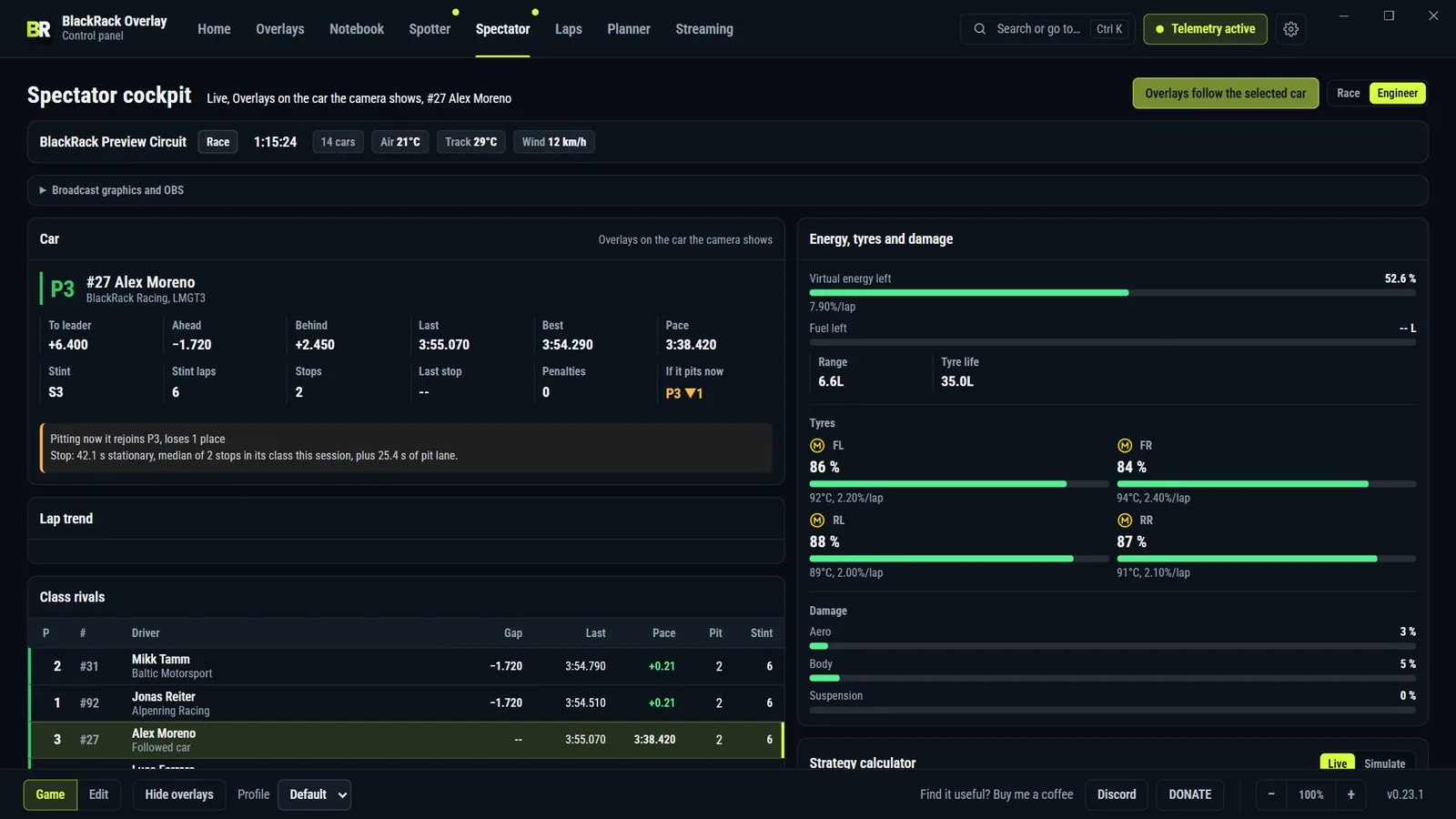
Running right here, with sample data. Pick a group.
Race. Multiclass standings, relative and driver notebook
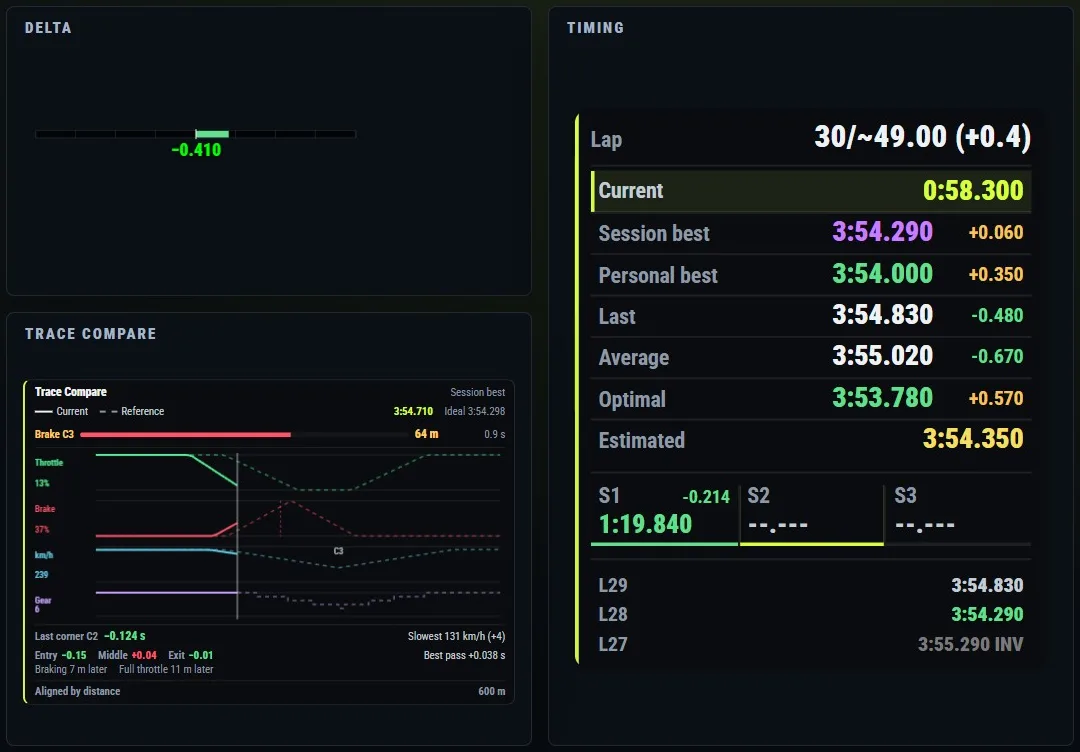
Pace. Delta, timing and Trace Compare
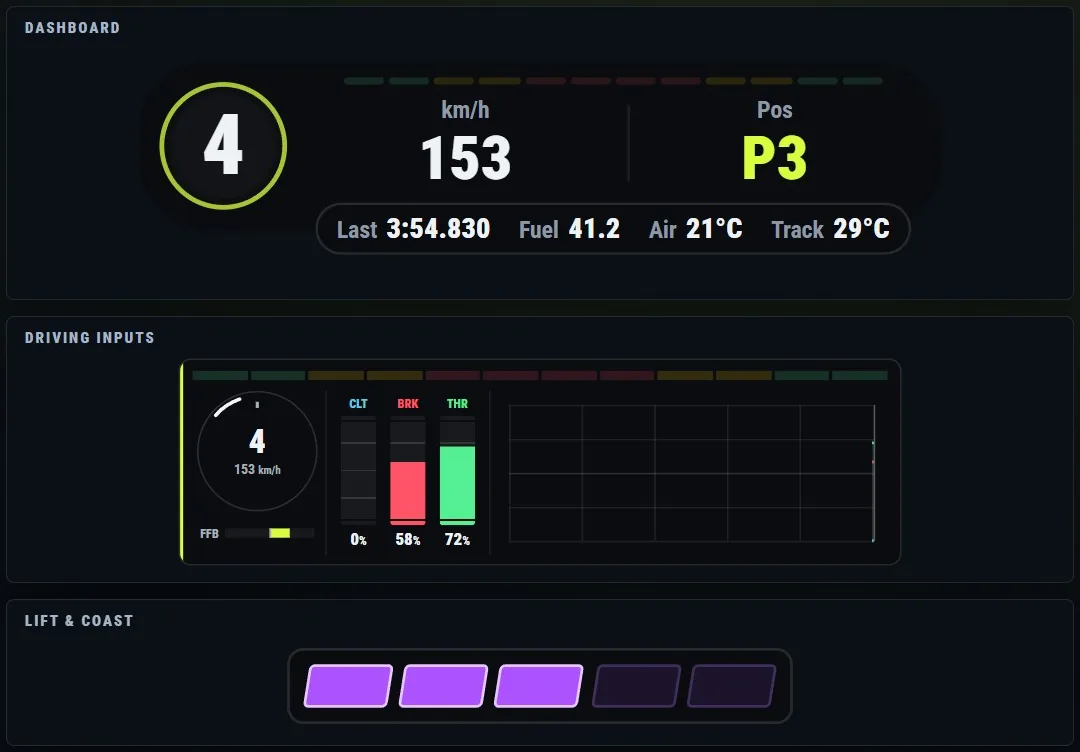
Driving. Dashboard, pedals and Lift & Coast
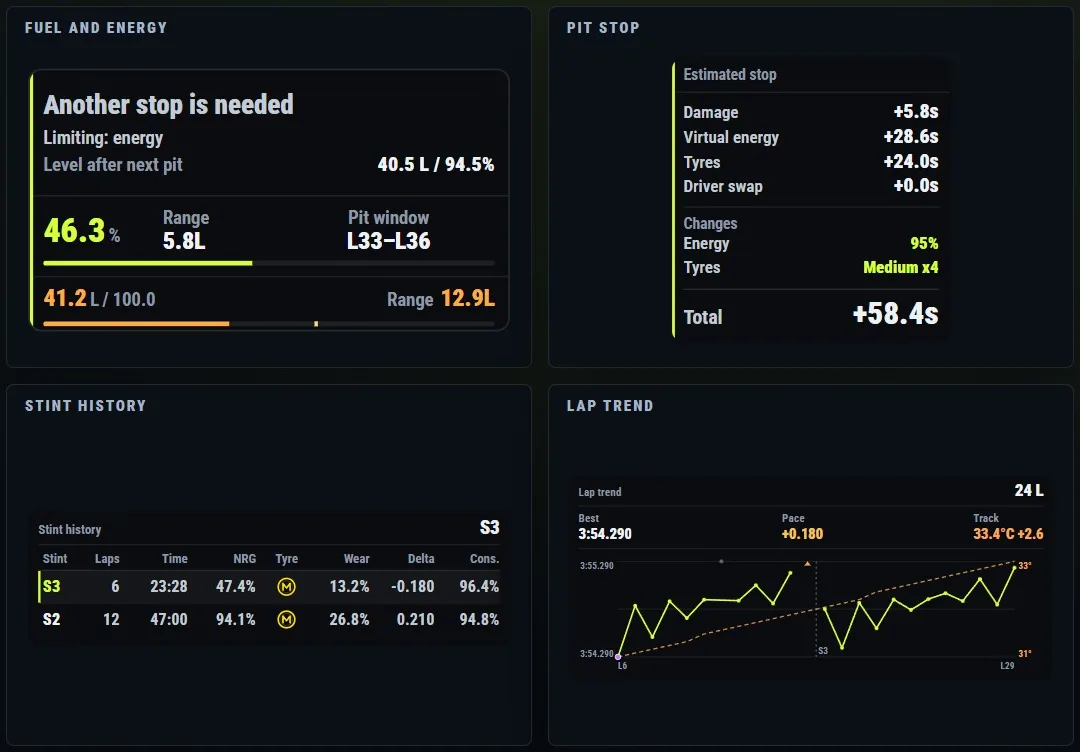
Strategy. Fuel and energy, pit stop, stints and lap trend
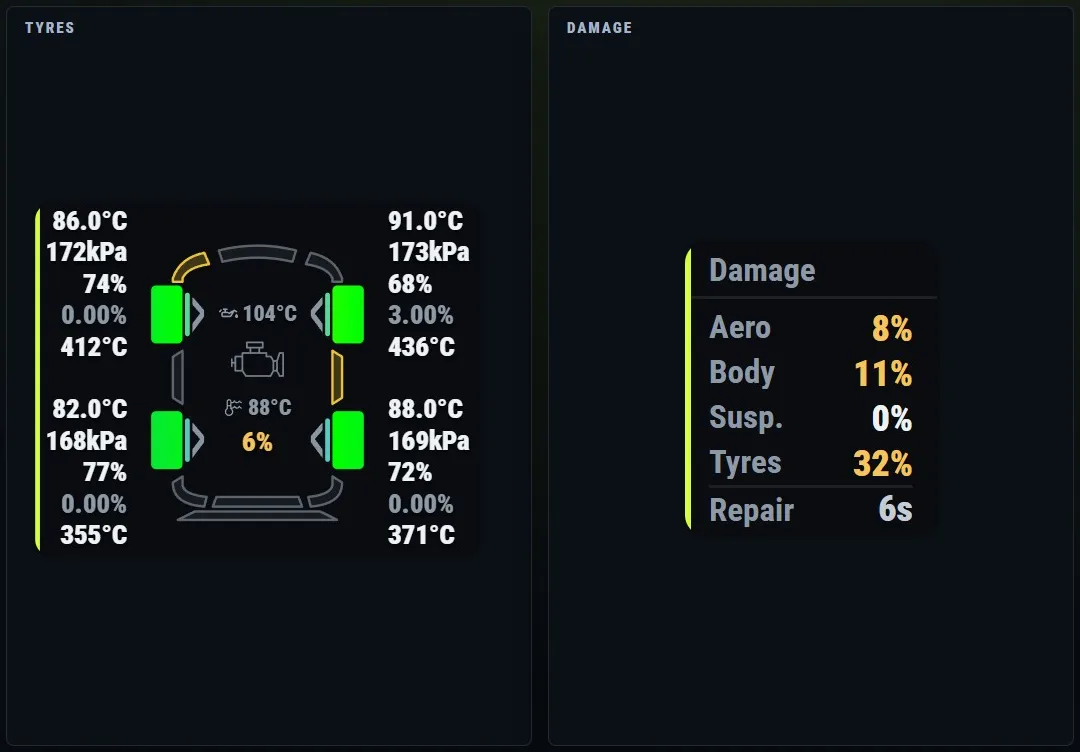
Car. Tyres and damage
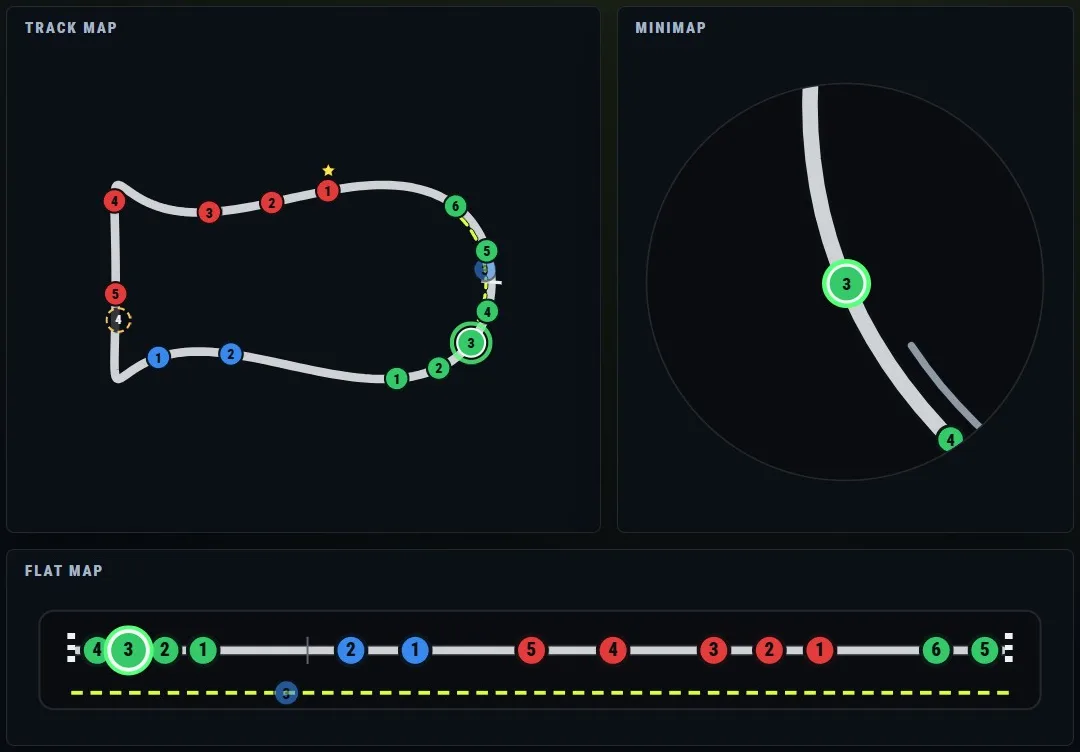
Maps. Track map, minimap and flat map
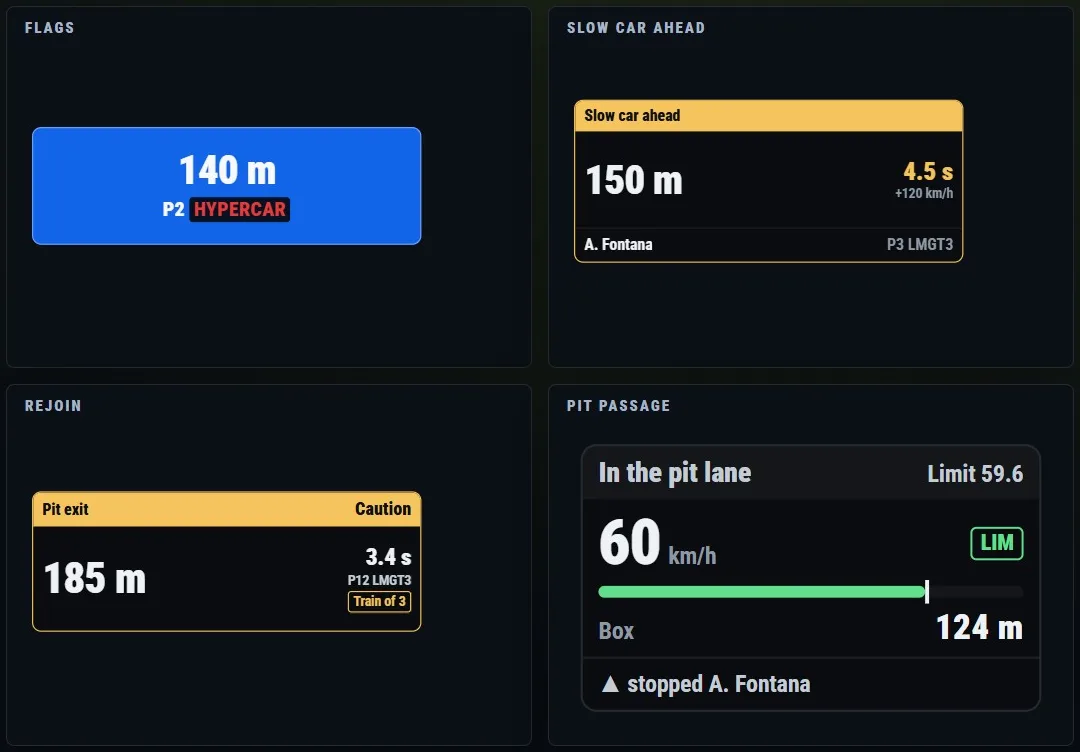
Alerts. Flags, slow car, rejoin and pit passage
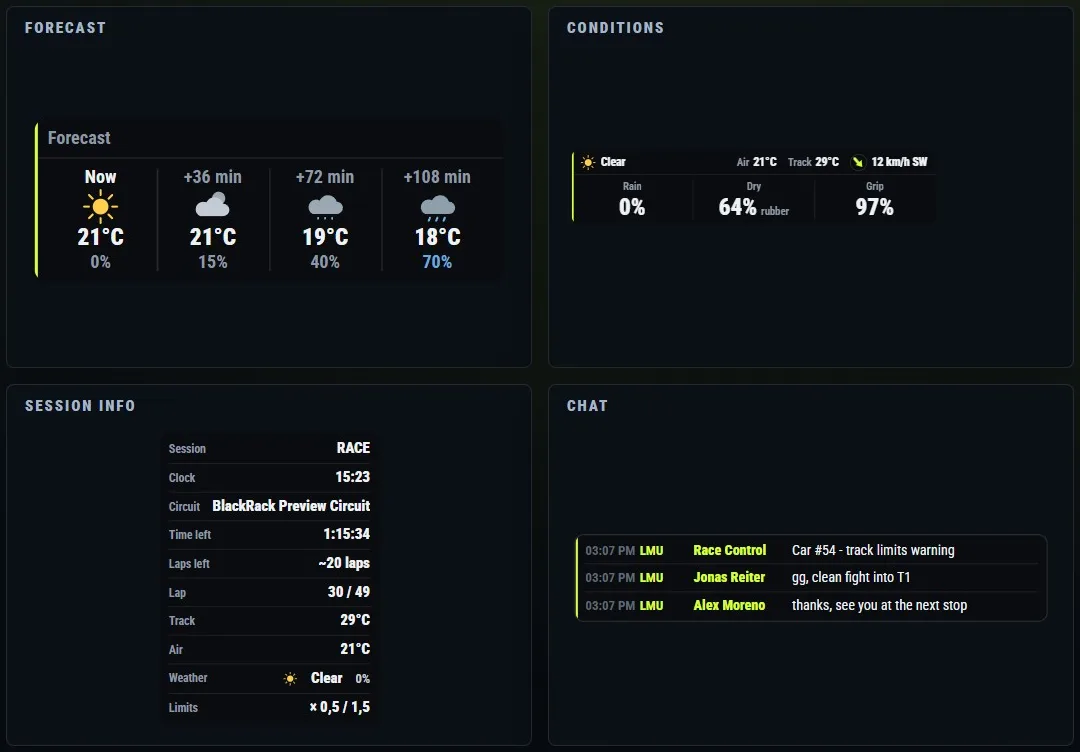
Session. Forecast, conditions, session info and chat
Real overlays with sample data.
Try it before you install it
The real control panel, in your browser, with sample data.
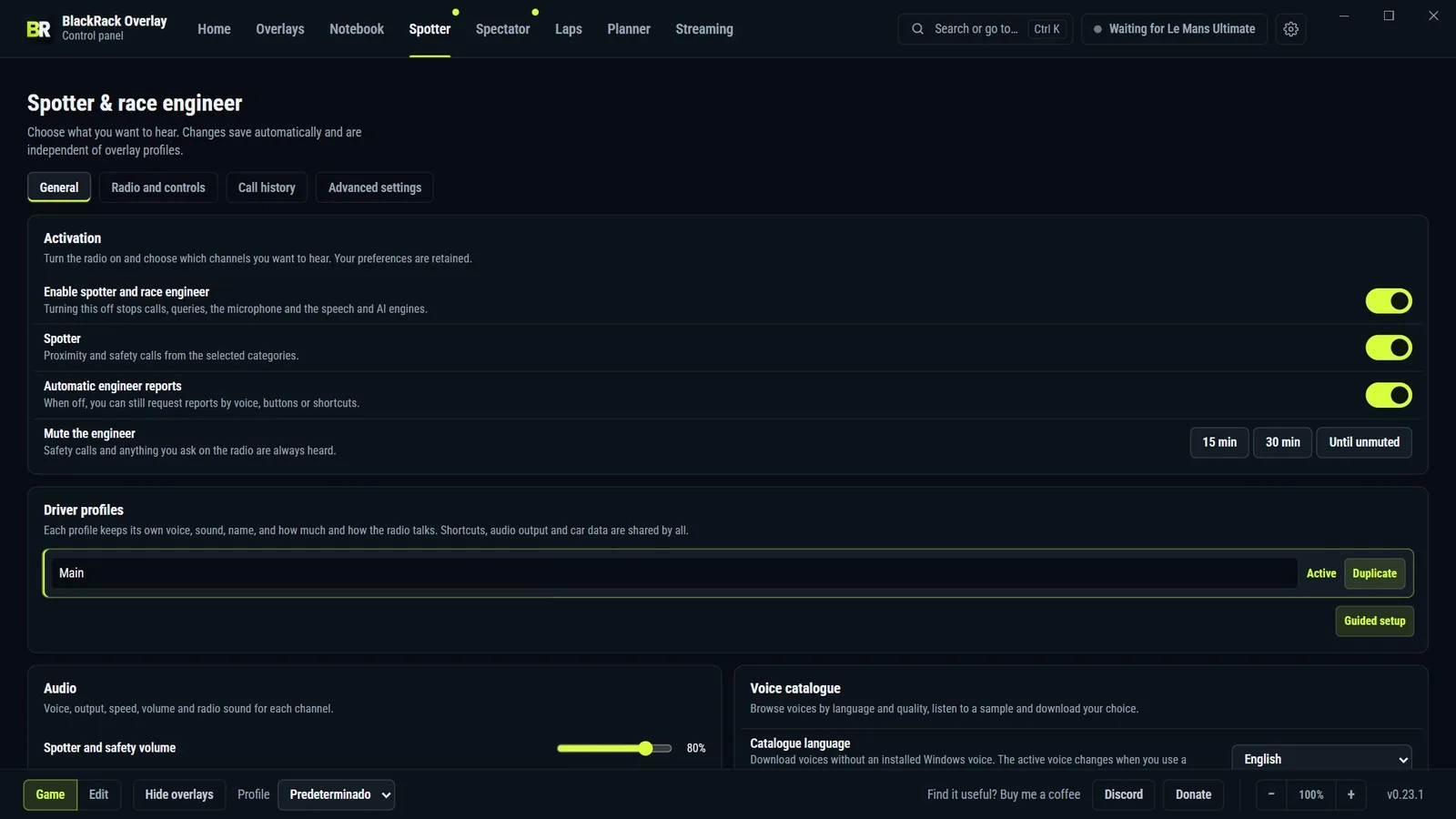
Spotter and radio engineer
Calls the traffic and talks strategy once you leave the corner.
- Ask by voice or with a wheel button.
- Three levels of information: Essential, Balanced or Detailed.
- Windows or neural voices, downloaded only if you pick them.
- Optional AI engineer that runs on your PC, offline.
After the session
Record your laps and find where the time goes.
- Lap telemetry
- Two laps overlaid in charts and on a scaled map of the track.
- Session analysis
- The corners where you lose the most against your reference.
- Setup engineer
- A diagnosis of the car and one proposed change to your .svm file.
- PDF report
- Pace, stints, stops, consumption and corners for the whole session.
For the whole team
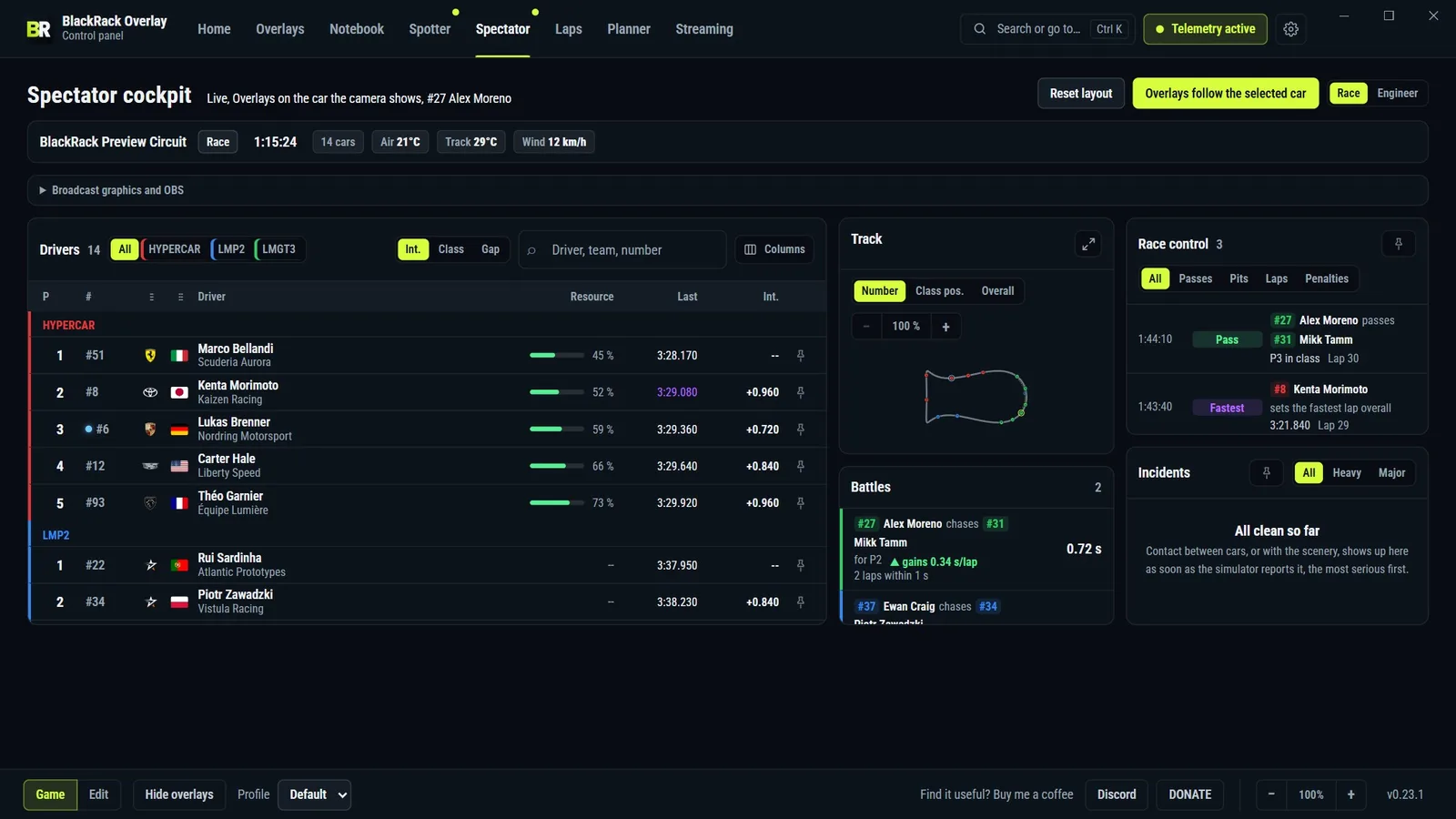
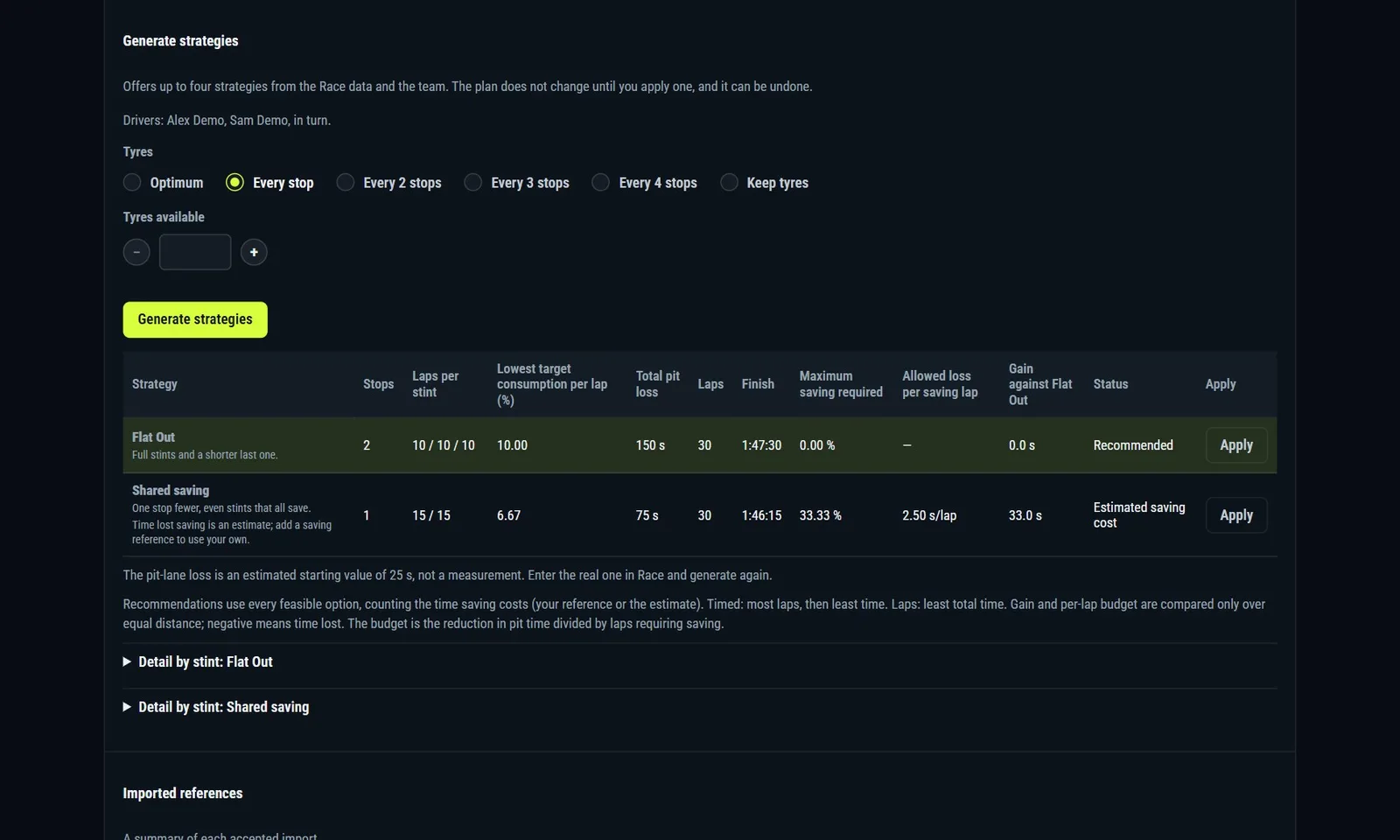
Plan the endurance race and follow all of it from the panel.
Before you download
- What does it cost?
- Nothing. No subscription, no account and no paid features. If it helps you, you can donate.
- Does it modify the game?
- It installs no mods and injects no DLLs. It reads Le Mans Ultimate's official shared memory and its telemetry files.
- Does it cost performance?
- A Rust core processes the telemetry, and overlays you turn off do not even build their data.
- Can I stream with it?
- Yes. Every overlay works as an OBS browser source with a transparent background.
- How does it update?
- The panel tells you about each new version, shows what changed and installs it after checking its SHA-256.
Download it for free
- Windows 10 or 11, 64-bit
- Le Mans Ultimate
- WebView2, included in the installer
- Interface in English, Spanish, Italian, French, German and Portuguese